Practise driving
on the left.
Sit in a right-hand-drive car, explore a seaside town with real traffic, and get comfortable with roundabouts, motorways and junctions before your trip.

Make the unfamiliar feel normal — before it counts.
Most nerves come from three things: sitting on the 'wrong' side, roundabouts going the 'wrong' way, and not knowing which lane to aim for. Practise all three at your own pace.
A whole town to get lost in.
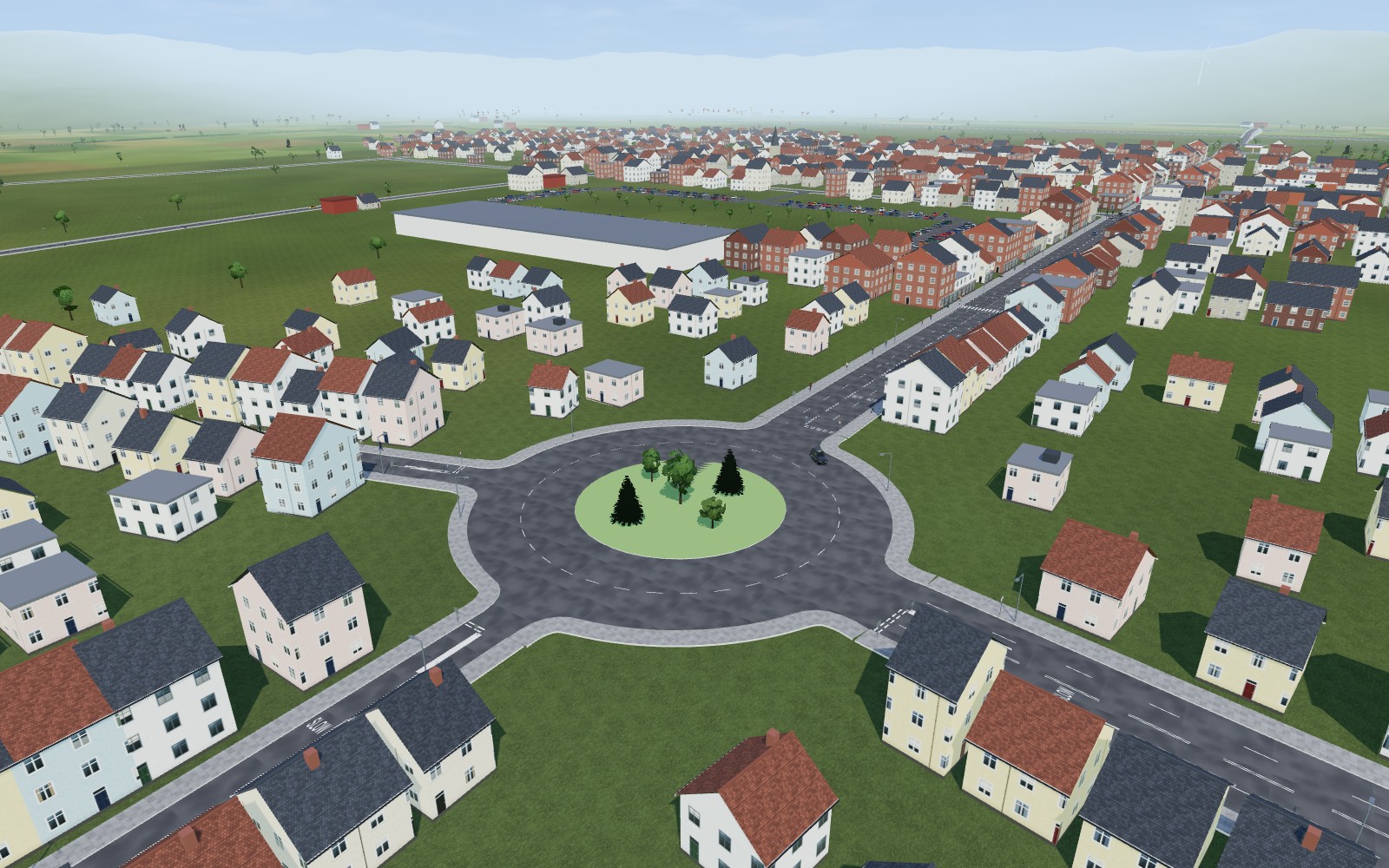
Westhaven has a high street with traffic lights, a big two-lane roundabout, a one-way street, country lanes between hedges, a coast road, a car park and a motorway with slip roads.
- Real traffic that follows the rules — and indicates
- Pedestrians at zebra crossings and cyclists
- Day, golden hour, night and rain
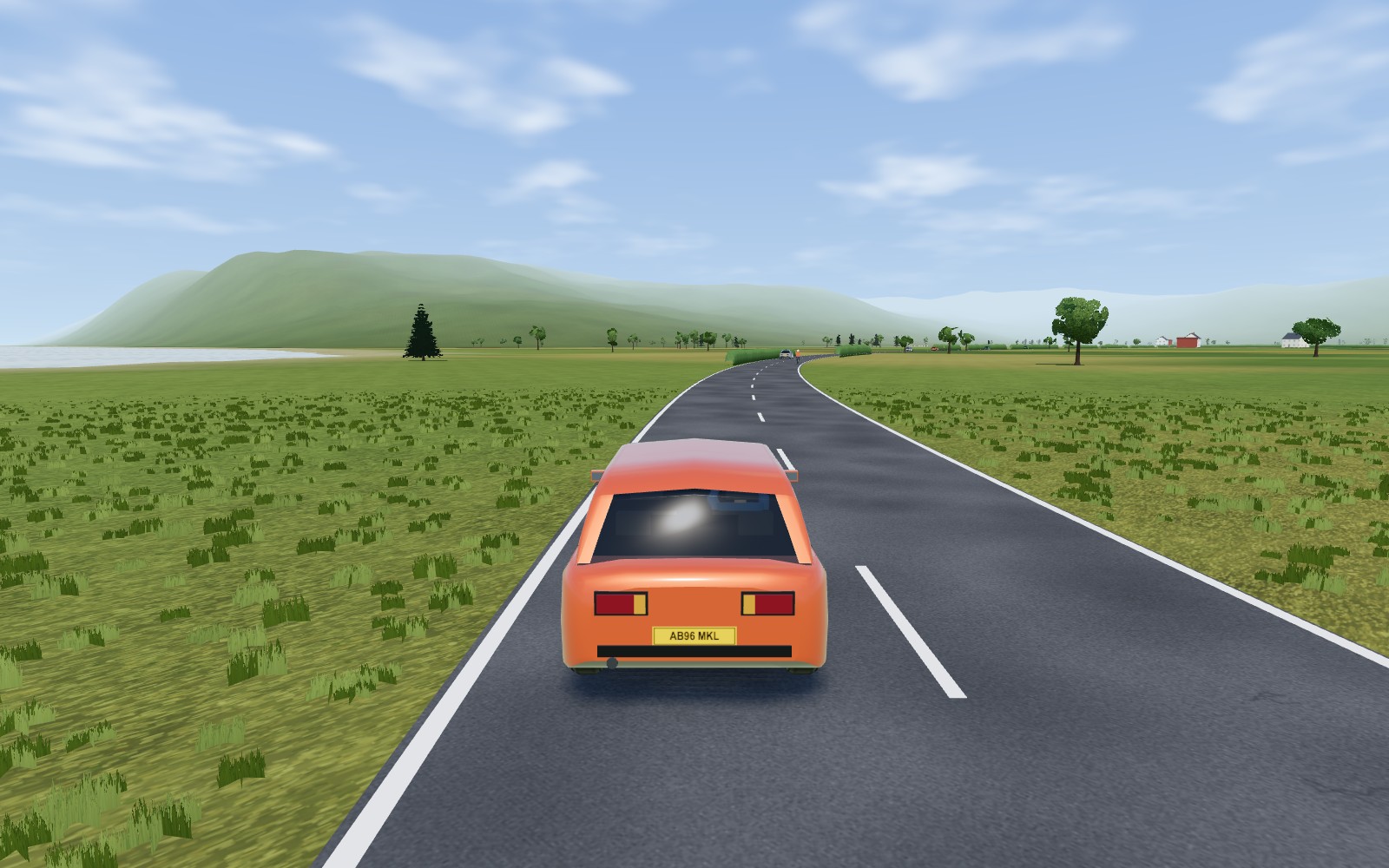
Your seat. Your point of view.
Drive from a right-hand-drive cockpit with working rear-view and door mirrors, or switch to follow, bonnet and aerial views. Steer with keys, on-screen controls, a gamepad or a steering wheel.
- Gear lever on your left — try the manual gearbox
- Look left and right with Z and X
- Touch steering wheel, pedals or tilt on phones
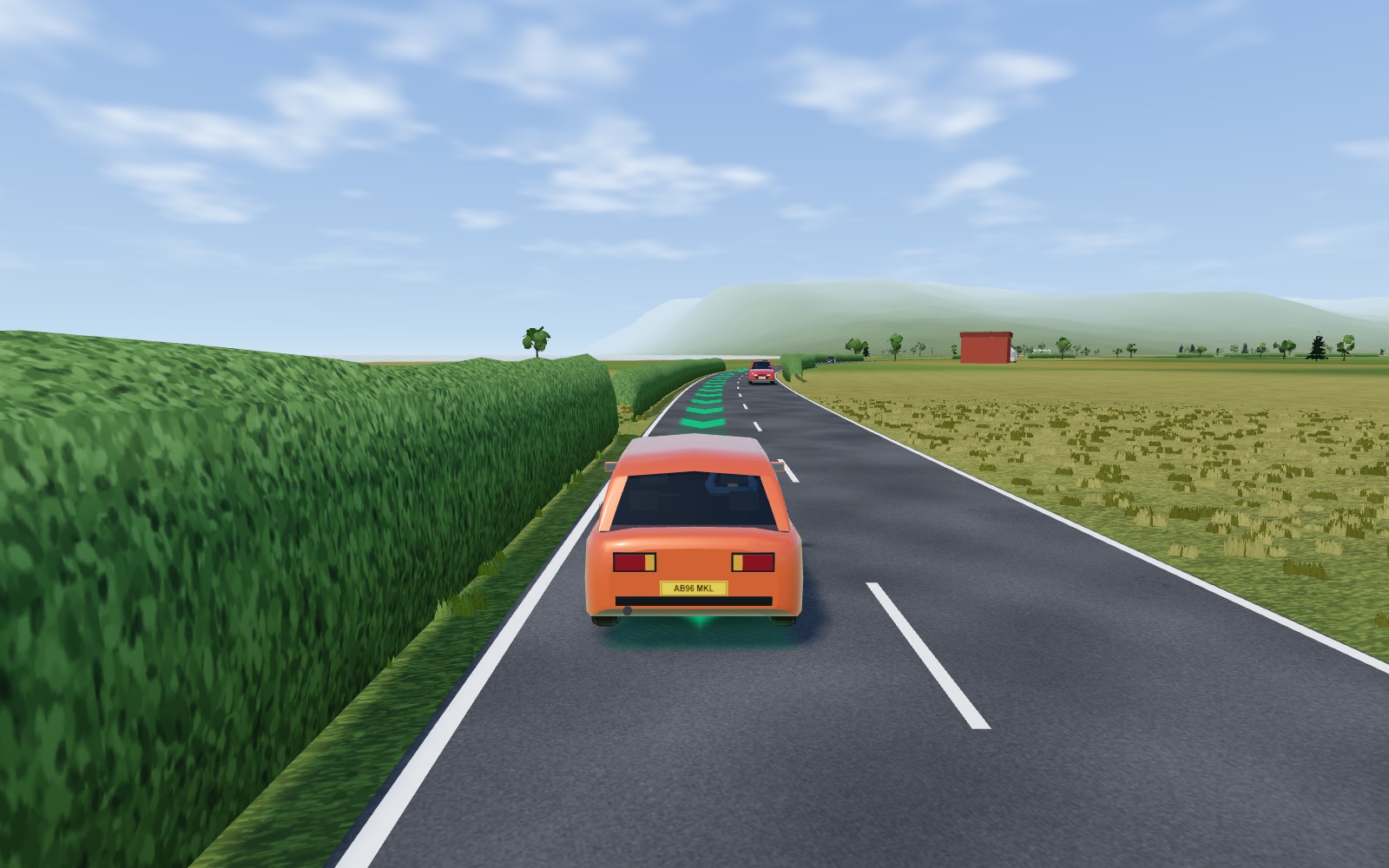
Coaching that notices.
Live hints react to your lane position, speed, signals, red lights and giving way. After each lesson you get a score, stars and a replay of every mistake from above.
- Lane meter shows exactly where you sit on the road
- Replays of mistakes in an aerial view
- Scores, stars and milestones saved on your device
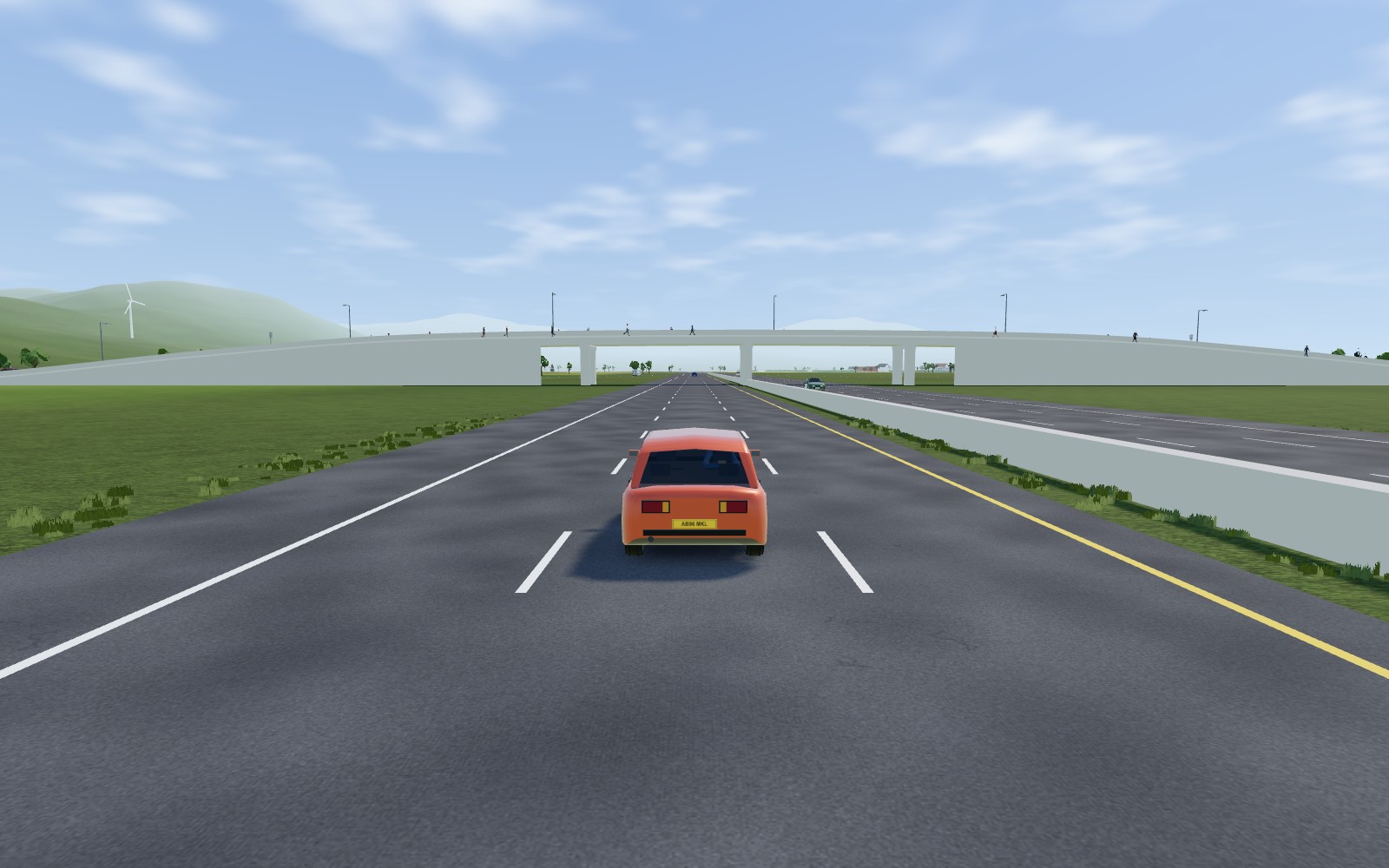
A little practice. A lot more confidence.
Start with lane position, then work up to multi-lane roundabouts, night driving and rain. Every lesson has a goal tracker, a guide line and a scored debrief.
Find your left side
Settle into the right-hand-drive seat and follow Ocean Road for 400 metres, keeping left the whole way.
Read the junction
Ease to a stop at a red light, wait for green, then drive straight through Market Cross.
Around the right way
Give way to the right, go clockwise round the Clock Roundabout and take the third exit, signalling left as you leave.
One way. More confidence.
Turn left into Juniper Street, follow it in the right direction and turn right at the end.
Find your motorway rhythm
Join the M7 from the slip road, merge into the left lane and keep left at motorway speed.
Leaving the car park
Pull out of a parking bay, follow the aisles to the exit and turn left onto High Street into the correct lane.
Turning right across traffic
Signal right, wait for a safe gap in the oncoming traffic and turn into Mill Lane.
Country lanes
Follow Fen Lane between the hedges. Keep left on blind bends and slow down for oncoming cars.
The big roundabout
Approach Harbour Roundabout in the right-hand lane, circulate on the inside and take the third exit.
Mini-roundabouts
Give way to the right at the Hillcrest mini-roundabout and drive around the painted circle onto Moor Lane.
Zebra crossings
Drive along High Street and stop for anyone waiting at the zebra crossings.
After dark
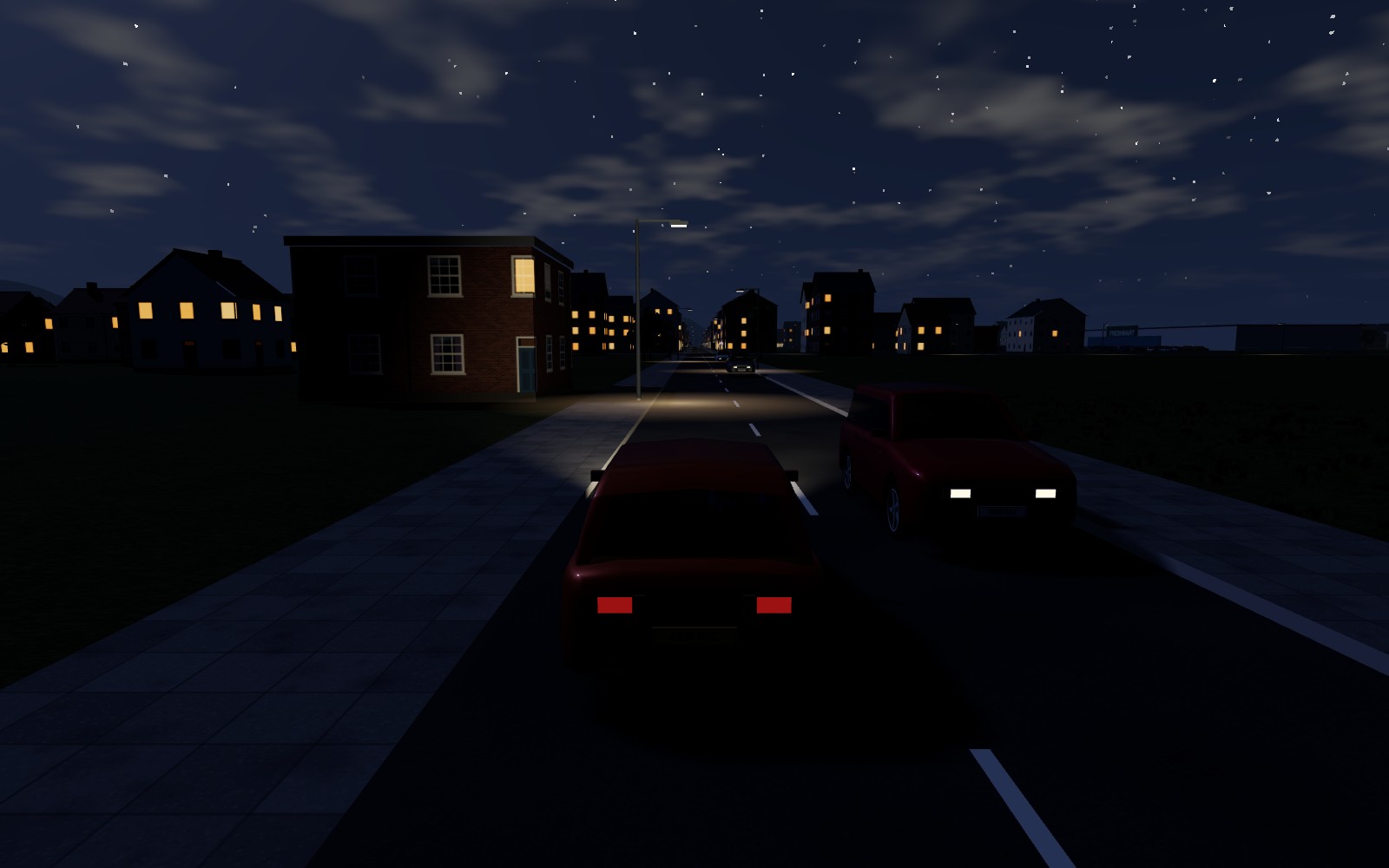
Follow the coast road at night. Your lights pick out the left edge — use it as your guide.
In the rain
Drive Lakeside Road in the rain. Leave bigger gaps and brake earlier than usual.
Your destination's rules.
Everyone drives on the left, but signs, speed units and habits differ. Pick a country and the simulator changes its signs, number plates, units and tips.
United Kingdom
- Speed limits in mph
- GIVE WAY signs & zebra crossings
- Double-decker buses
Ireland
- Speed limits in km/h
- Bilingual YIELD signs
- Narrow rural roads
Australia
- Speed limits in km/h
- Wildlife warning signs
- Long open roads
New Zealand
- Speed limits in km/h
- Give-way rules at turns
- Winding country roads
Japan
- Speed limits in km/h
- 止まれ stop signs
- No turning on red
Built for real trips.
Live coaching
Hints for what's ahead: roundabouts, red lights, zebra crossings, slip roads and speed limits.
Mistake replays
See exactly where you drifted to the right or forgot to give way, replayed from above.
Scores & stars
Every lesson ends with a score, up to three stars and tips for next time.
Manual gearbox
Most rentals in the UK and Ireland are manual. Practise with the gear lever on your left — and yes, you can stall.
Controllers & wheels
Xbox and PlayStation controllers and most steering wheels work as soon as you press a button.
Works offline
Install it to your home screen. After the first visit the simulator loads without a connection.
Your progress, your device
No account needed. Move progress to another device with a transfer code.
Accessible
High-contrast mode, larger text, reduced motion, keyboard-friendly menus and hints read aloud.
Your first drive starts here.
No download, no account. Just a browser with WebGL. A larger screen and keyboard are ideal, but phones and tablets work too.
Take the driver's seat
Open the simulator and choose where you're going. Start with a quiet free drive or jump into lesson one.
Find your controls
W to accelerate, S to brake, A and D to steer, Q and E to indicate. On touch screens use the wheel and pedals.
Make yourself at home
Press C to change view, R to reset to your lane and M for the map. Your progress stays on this device.
A little local knowledge goes a long way.
Driving on the left in the UK: a first-timer’s guide
Miles per hour, roundabouts, zebra crossings and motorway lanes — what actually feels different when you drive in Britain for the first time.
Read the guide →🇮🇪 Destination guideDriving in Ireland: narrow roads, km/h and the M50 toll
What visitors should know about Irish roads: kilometres per hour, bilingual signs, narrow rural lanes, the barrier-free M50 toll and crossing into Northern Ireland.
Read the guide →🇦🇺 Destination guideDriving in Australia as a visitor
State-by-state rules, roundabouts, Melbourne hook turns, huge distances and wildlife: preparing for an Australian road trip on the left.
Read the guide →🇳🇿 Destination guideDriving in New Zealand: one-lane bridges and winding roads
Give-way rules, one-lane bridges, realistic journey times and using a foreign licence — what to know before driving in New Zealand.
Read the guide →🇯🇵 Destination guideDriving in Japan: permits, stop signs and red lights
International Driving Permits, the red 止まれ stop sign, no turning on red, level crossings and expressway tolls — prepare for a rental car in Japan.
Read the guide →🔄 Practical guideHow roundabouts work when you drive on the left
Clockwise circulation, giving way to the right, choosing a lane and when to signal — a calm walkthrough with diagrams, plus mini-roundabouts.
Read the guide →A few things you might wonder.
Is LeftSide Driving free?
Yes. The whole simulator, all thirteen lessons and every area of the town are free to use. There is nothing to buy and no account to create.
Will it teach me to drive?
No — it's a practice space for getting used to left-hand traffic and a right-hand-drive car. It isn't a driving course or a test, and it can't replace lessons with a qualified instructor. Always follow the rules where you drive.
Does it work on phones and tablets?
Yes. Touch screens get an on-screen steering wheel and pedals, and you can also steer by tilting your device. A bigger screen and a keyboard or controller give the most realistic feel.
What's the difference between left-hand traffic and a left-hand-drive car?
Left-hand traffic means you drive on the left side of the road. In those countries cars are usually right-hand drive: the steering wheel is on the right, so the driver sits nearest the centre line.
Which countries can I practise for?
The UK, Ireland, Australia, New Zealand and Japan. The simulator switches signs, speed units, number plates and tips to match. The town layout and core rules stay the same.
Where is my progress saved?
Only in your browser, on your device. You can download a backup or copy a transfer code to move it to another device — no account or email needed.
Can I use a steering wheel or controller?
Yes. Most controllers and wheels that work in standard (XInput) mode are detected automatically. Press any button once the simulator has loaded.
Is there an app?
LeftSide Driving runs in the browser, so there's nothing to download. If you'd like an app icon, use 'Add to Home Screen' or 'Install' in your browser — it then works offline too.
A new perspective. An open road.
Fifteen minutes in Westhaven can make your first real roundabout feel a lot less dramatic.
Start driving — it's free